1
Step 1
Select Your Goal
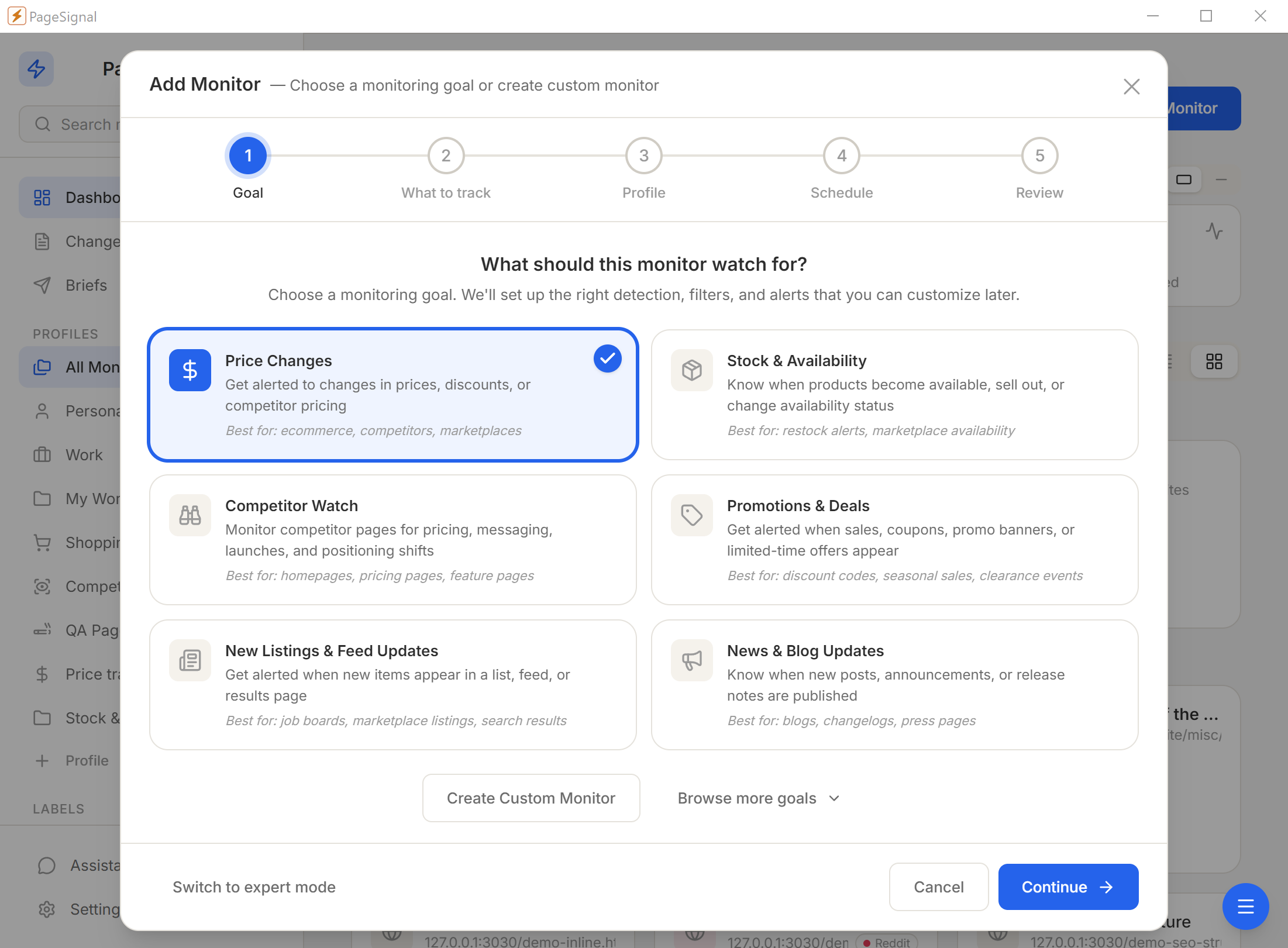
What should this monitor watch for? We'll set up the right detection, filters, and alerts that you can customize later.
Pricing, features, messaging, redesigns, hiring — monitored across every competitor page. AI-summarized briefings delivered to your terminal, your inbox, or Telegram.
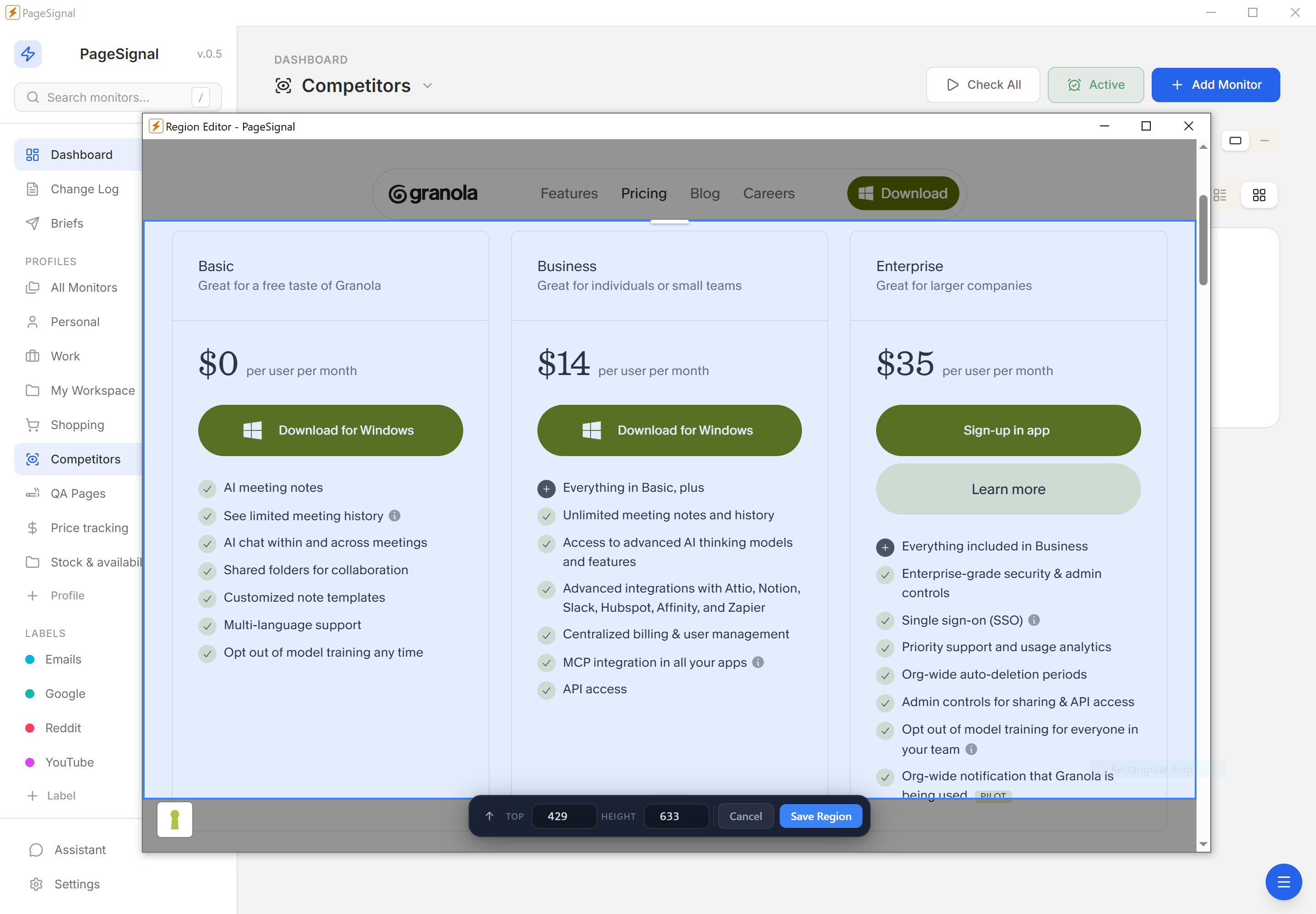
Pricing pages change without announcements. Feature comparison tables get updated to add new claims or quietly drop old ones. A redesigned hero signals a brand pivot. A competitor starts hiring aggressively in your market. None of this comes with a press release — and by the time you notice from a customer who mentions it in passing, you are already behind.
Existing monitoring services solve part of the problem but create new ones. They store your watched URLs and change history in the cloud, which means a vendor knows exactly who you are watching and when they change.
"Competitors do not announce when they raise prices. You find out when a customer mentions it."
PageSignal runs on your computer. Your competitor portfolio, snapshots, and change history stay in a local database unless you explicitly route alert content through notifications. You own what you learn.
Text catches messaging shifts and feature claims. Visual catches redesigns and new CTAs. Layout catches new sections and removed comparison rows. Price/Number catches plan limits, quotas, and pricing tier changes. SEO catches title and metadata pivots that signal organic strategy shifts. AI summarizes the change in plain language — what moved and what it might mean strategically.
CSS selector targeting points a monitor at exactly the element you care about — the pricing table, the comparison grid, the announcement section. Ignore selectors actively exclude rotating testimonials, cookie banners, and analytics scripts. Up to 24 text match rules per monitor make alerts conditional on specific keywords appearing in a change.
Not all competitive intelligence is on public pages. Community portals require login. Partner dashboards are behind registration. Premium-tier documentation is only accessible to paying customers. PageSignal's sign-in window lets you authenticate in a real browser session before monitoring begins. The session persists across check runs — log in once, monitor forever.
Profiles group monitors by competitor. Open the dashboard, filter to one competitor, see only their monitors and recent changes. Labels add a second dimension — "pricing," "features," "blog," "careers" — for cross-competitor views. Starred monitors sort to the top. The needs-attention page surfaces unreviewed changes so nothing falls through the gaps.
Instead of reading "3 text nodes changed in div.pricing-card," you read "The Pro plan price increased from $49 to $59 and the user seat limit was raised from 5 to 10." Weekly digests give you an AI-written overview of every competitor change from the past seven days, organized by significance. Bring your own API key — OpenAI, Anthropic, Google Gemini, or local Ollama.
Set up price detection on every competitor pricing page. Get alerted within minutes of plan name, price point, or limit changes — pair with AI summaries for strategic context.
Point a text monitor at a competitor's blog index. Catch product launches, partnership announcements, and case studies before they propagate through industry newsletters.
A competitor adding fifteen ML engineering roles signals investment months before any public announcement. Track by role title or layout changes.
Documentation updates often precede or coincide with feature launches. Catch new endpoints, deprecated features, and changed auth requirements.
Watch competitor homepages and product pages for messaging shifts — the words they use are an early signal of strategic pivots.
Comparison pages are high-signal — competitors only publish features they are confident in. Layout and text detection catches new rows, removed limitations, and expanded integrations.
Public changelogs reveal what competitors are shipping, fixing, and deprecating. Continuous monitoring gives you an ongoing feed of their release activity.
Trust badges and case study libraries update when competitors land notable customers. Visual and text detection catches new claims in segments you share.
When a competitor adds Review or AggregateRating schema to a product page, they are building toward star ratings in results. SEO detection catches their rich-result strategy.
Text, layout, visual diffs, price/number tracking, SEO signals, and AI-evaluated changes. Run one alone or combine them with AND/OR gating on the same monitor.
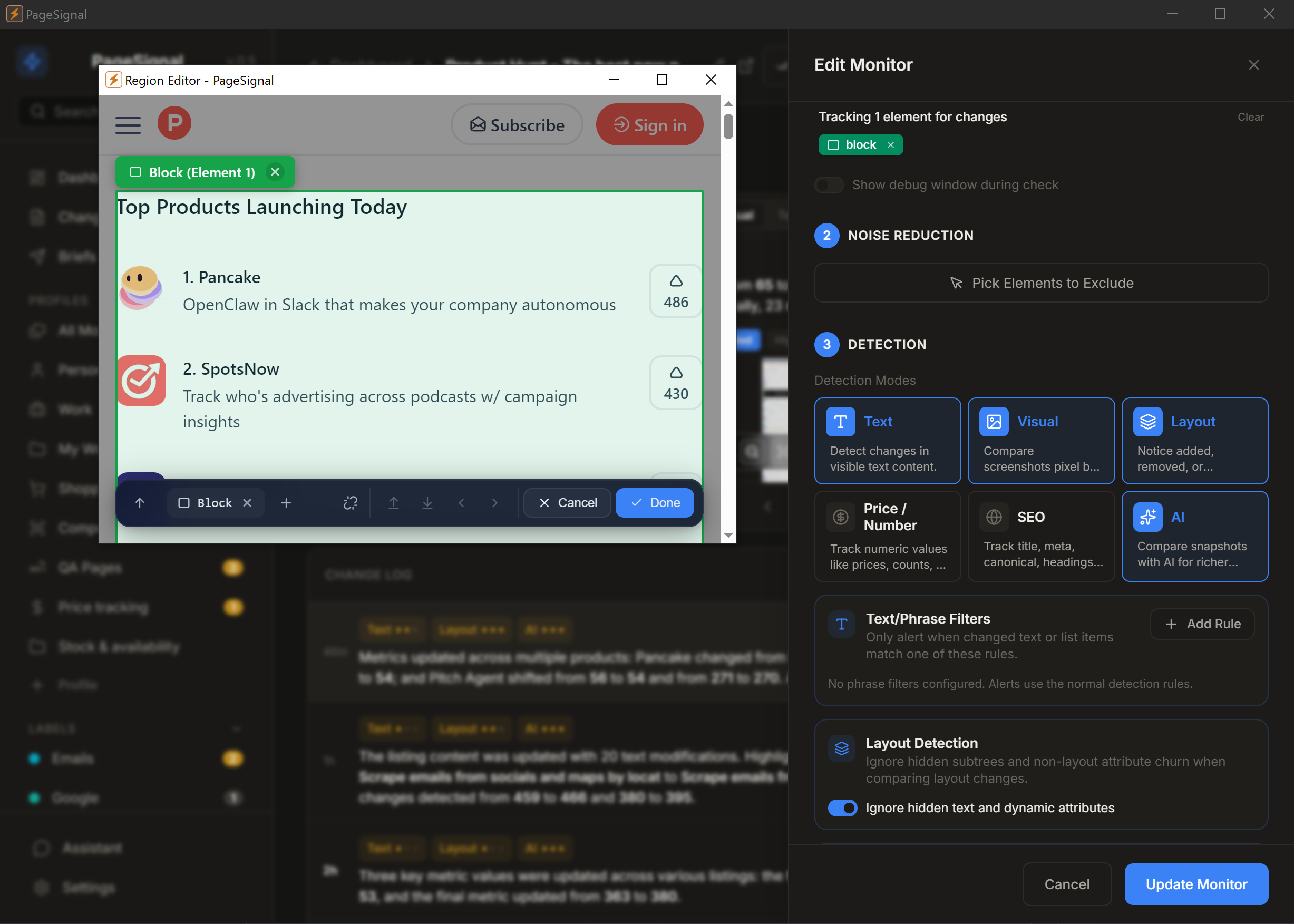
Select any element on a page to monitor just that — a price, button, paragraph, anything.
Get a daily brief of what matters most across the pages you watch.
Strips ads, timestamps, and carousels. Only real changes reach you.
Checks pages in a real browser so JavaScript, sessions, and dynamic content render correctly.
Set rules like "notify me only if price drops below $50" or "alert when 'Sold Out' disappears."
OpenAI, Anthropic, Google Gemini, or local Ollama. Your key, your model, your route — plain-English summaries of every change.
Reuses your active browser session to monitor pages behind authentication.
Human-like rendering with jitter bypasses Cloudflare and bot detection.
Telegram for instant intel · Webhook into Telegram or a CRM · Email digest for weekly competitive reviews.
No accounts, no cloud, no complicated setup.
What should this monitor watch for? We'll set up the right detection, filters, and alerts that you can customize later.
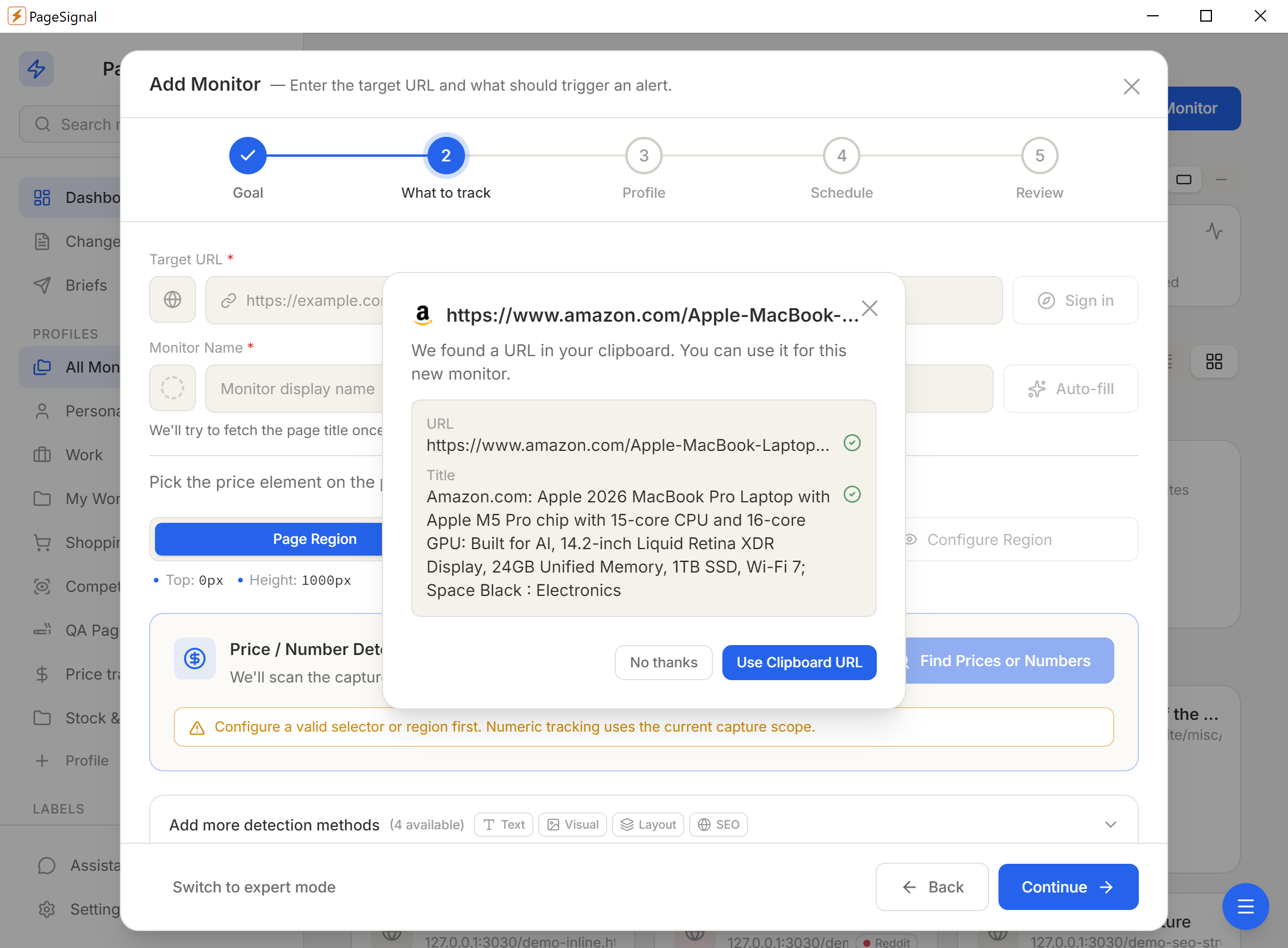
Pick one of six detection modes — or combine them with AND/OR gating on a single monitor.
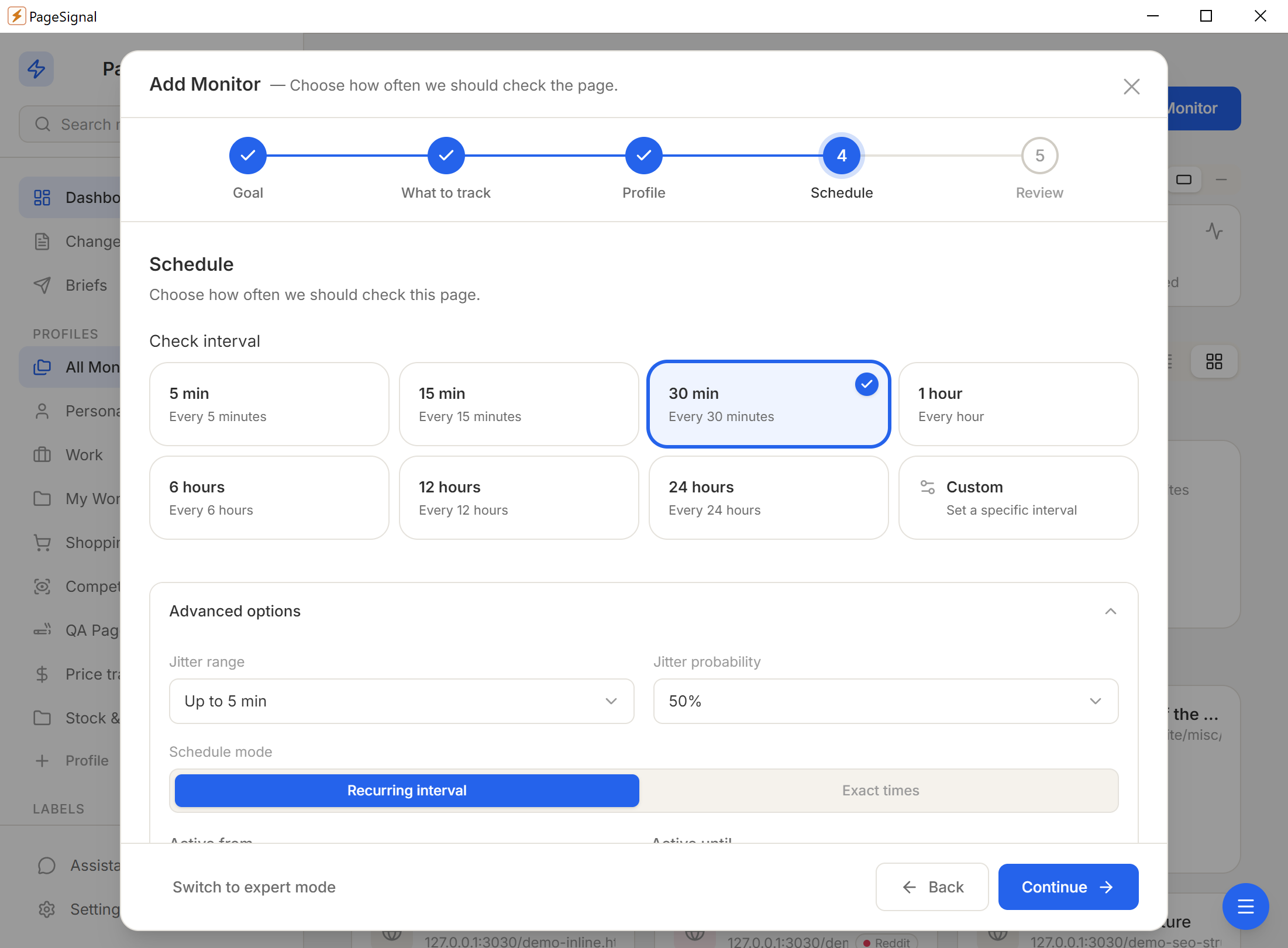
Schedule (60s–24h), text match rules, price thresholds, AI focus instructions, noise filters.
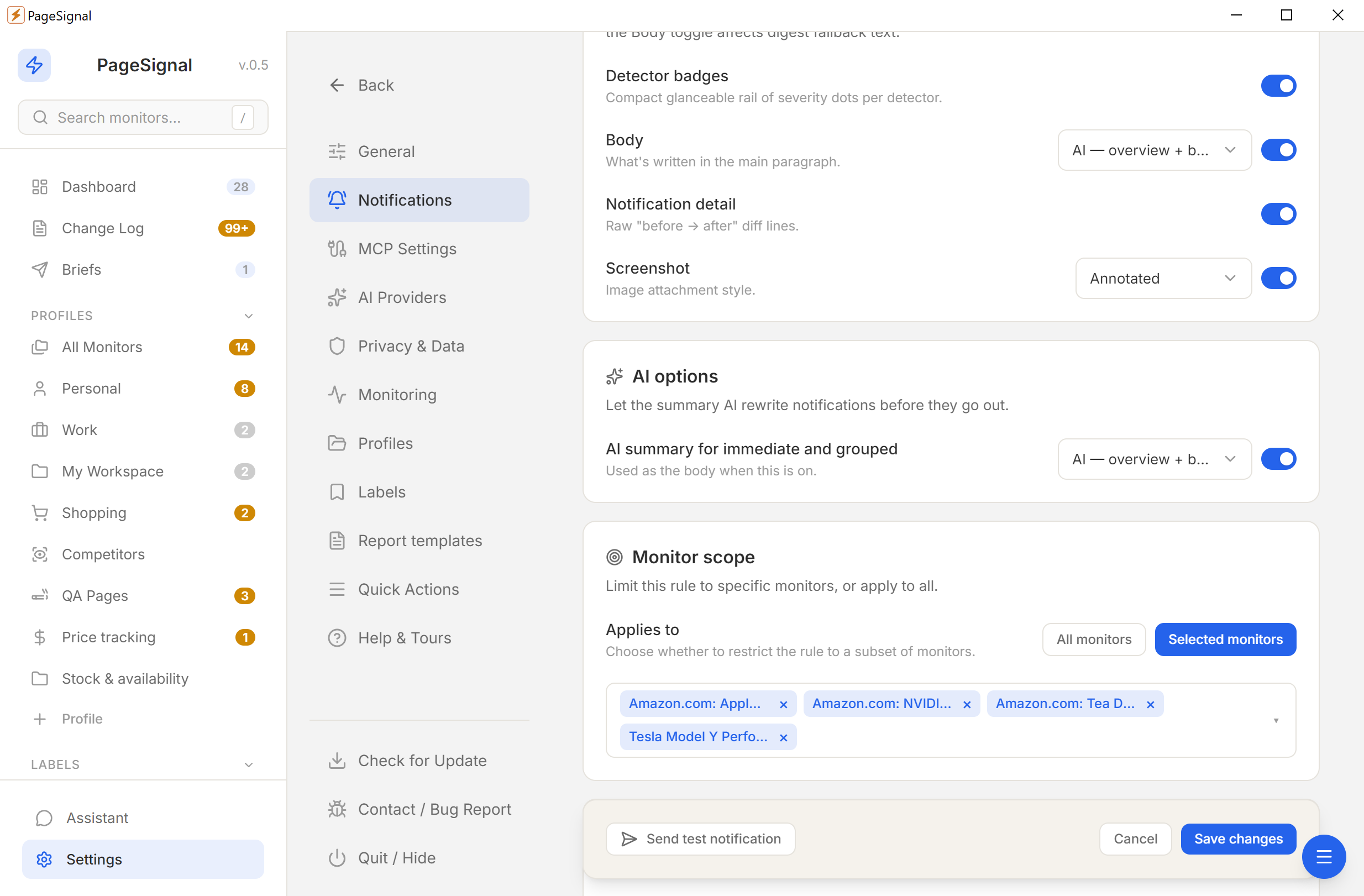
Desktop, email, Telegram, or webhook — immediate, grouped, or digest.
No accounts. No cloud. No tracking. Everything stays on your device.
Nothing touches a remote server.
No sign-ups or personal info.
No analytics, no phone-home.
YML and ZIP backups, anytime.